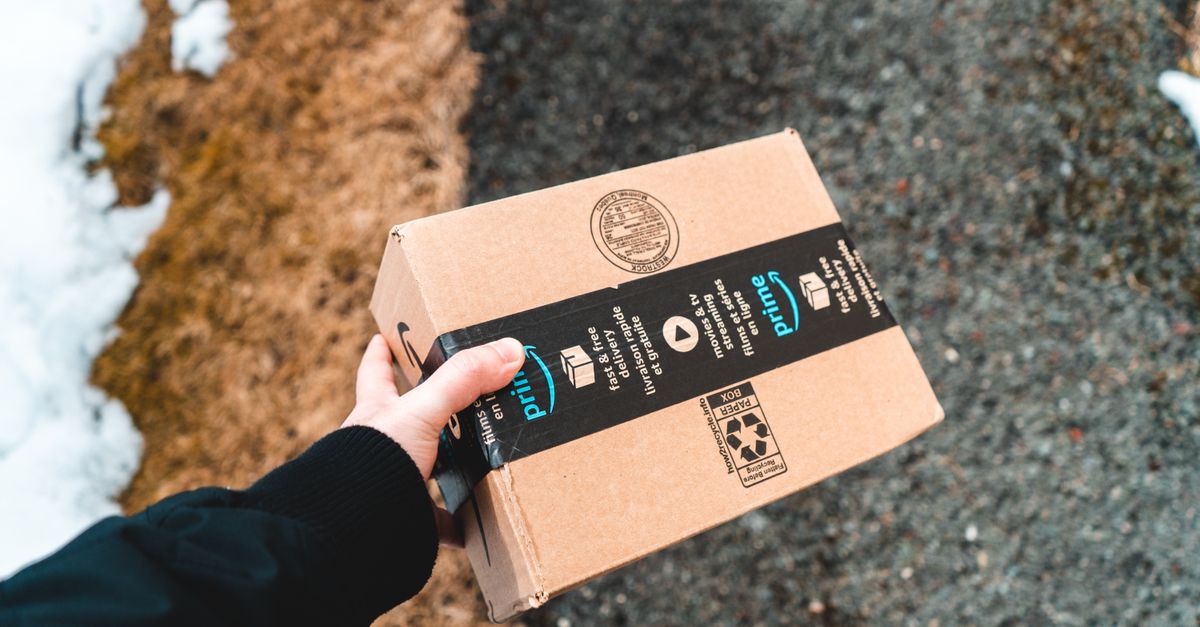
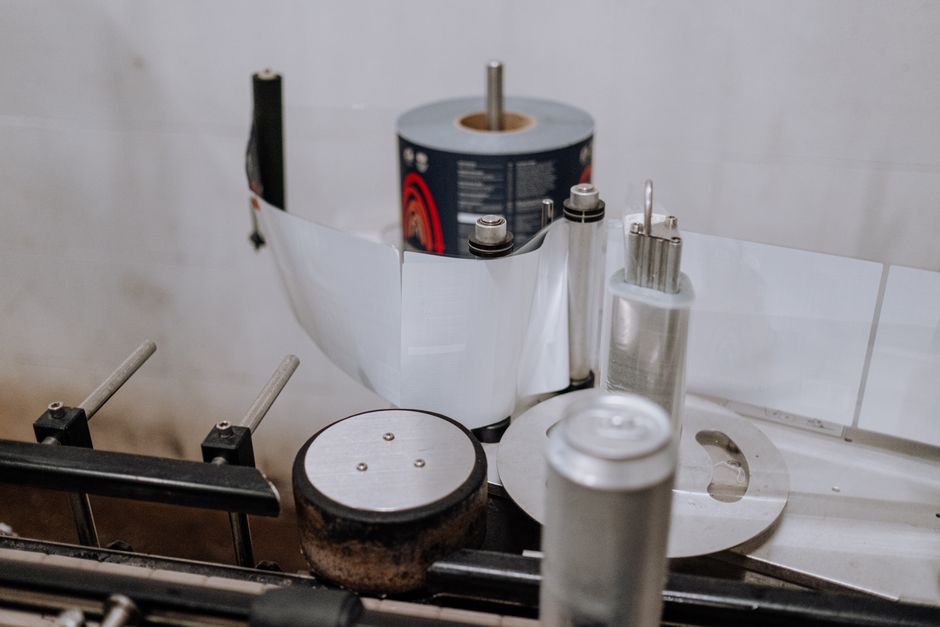
Amazon’s fulfillment network moves millions of units a day, and it runs on barcodes — not on the benefit of the doubt. Get a label wrong and a scanner doesn’t puzzle it out; it kicks your shipment into a corner and waits. Here’s exactly what Amazon expects at every level, so your inventory sails through receiving instead of sitting in it.
To ship into FBA, you need a scannable barcode on every product (an FNSKU for most sellers, printed as Code 128, black on white), a suffocation warning on any poly bag with an opening 5 inches or larger, an FBA shipment label on every carton, and — for LTL freight — four pallet labels per pallet. Miss any of these and Amazon can quarantine the shipment, charge a manual processing fee, or return it to sender.
FNSKU vs. UPC: Which Barcode Goes on Your Product
The first fork in the road is what barcode identifies your product. Two options, and they do very different jobs.
A UPC (Universal Product Code) is a manufacturer barcode assigned through GS1. It identifies the product — not who’s selling it — so several sellers can list against the same UPC. An FNSKU (Fulfillment Network Stock Keeping Unit) is Amazon-specific. It ties a unit to your seller account, which is how Amazon keeps your inventory physically separate from everyone else’s in the warehouse.
When you need FNSKU labels
Use FNSKU labels if other sellers offer the same product (commingling risk), if Amazon requires it for your category, or if you enroll in the FBA Label Service or opt out of Stickerless Commingling. The FNSKU ties each unit to your seller account so your stock is never mixed with another seller’s — which also means you’re never shipping out someone else’s quality problems under your name.
When a plain UPC is enough
A UPC alone can work if your product carries a unique UPC that no other seller shares, and Amazon allows Stickerless Commingling for that category and you choose to opt in. It’s the lighter-touch path, but it only holds up when your listing is genuinely yours alone.
The short version most sellers land on
For most sellers, FNSKU labels are the safer call. They guarantee your inventory is never confused with another seller’s stock, which protects your account from inheriting someone else’s returns, complaints, or condition issues. If you’re unsure, default to FNSKU.
FNSKU Label Specifications
Amazon publishes real specs for these labels, and the scanners enforce them without mercy. Tap through the details:
Size & barcode type
The label must be large enough to cover any existing barcode on the product — minimum size is typically 1” × 2⅝”, but go bigger if the item has multiple barcodes to hide. The symbology must be Code 128 (what FNSKU uses) — not QR, not DataMatrix.
Print & contrast
Black barcode on a white background. No colored backgrounds, no reflective or glossy surfaces that throw off a scanner. Amazon’s equipment reads thousands of units an hour, so the barcode has to be clean and crisp on the first pass — there’s no second look.
Human-readable text
The FNSKU number has to appear as readable text directly below the barcode. If the scan ever fails, that line is what lets a warehouse associate match the unit by hand instead of setting it aside.
Placement
Put the label on the exterior of the product, visible without opening the packaging. Don’t place it on the bottom of an item that sits bottom-down on a shelf, and don’t let it cross seams, edges, or any surface where it’s likely to peel.
Stock: what to use and what to avoid
Skip inkjet on glossy paper — it fades and smears in Amazon’s warehouses. Thermal transfer labels on matte or semi-gloss stock are the industry standard for FNSKU, because they survive handling and stay scannable to the last unit in the box.
Poly Bag and Packaging Labels
Bagged products carry an extra rule that trips up a lot of new sellers, and it’s a safety one — so it’s non-negotiable.
Watch out: Any poly bag with an opening of 5 inches or larger must carry a suffocation warning, printed in at least 10-point font. The warning goes on the bag itself — not on a separate stick-on label.
Amazon requires the exact approved wording, verbatim:
Warning: To avoid danger of suffocation, keep this plastic bag away from babies and children. Do not use this bag in cribs, beds, carriages, or playpens. This bag is not a toy.
And the product barcode still has to work through the packaging: the FNSKU or UPC must either scan through the bag or be affixed to the outside of the sealed bag. A label tucked inside the bag is not compliant — if a scanner can’t see it, it doesn’t exist.
Shipping Carton Labels
Every carton headed to a fulfillment center needs an Amazon FBA shipment label on the outside. You don’t design this one — Amazon generates it in Seller Central when you build a shipment plan, and you print and apply it.
- One shipment label per carton, applied to a flat face.
- Label doesn't overlap carton seams or edges.
- Any old carrier labels or barcodes from prior shipments are removed or fully covered.
- Every carton is labeled individually — even when the cartons are going out on a pallet.
Amazon’s carton labels carry the shipment ID, the FBA shipment label barcode, the ship-to address, and a carton contents summary. Again: you print these from Seller Central, you don’t create them.
Pallet Labels for LTL Shipments
Sending freight on pallets (LTL or FTL)? Amazon wants four pallet labels per pallet — one on each side — and these also come out of Seller Central.
Pallet label requirements
Use the 4” × 6” label format, apply one to each of the pallet’s four sides, and position each label 15–50 inches from the floor. Every label must stay legible and must not be covered by stretch wrap — wrapping over a barcode is the same as not having one.
Amazon’s pallet rules are close cousins to what Walmart and Target require, though each retailer runs its own format. If you’re already shipping to big-box DCs, the discipline transfers — just don’t assume the exact labels do.
What Happens When a Label Fails
Amazon’s receiving line is heavily automated, which is great when everything scans and unforgiving when it doesn’t. When a label won’t read or doesn’t match the plan:
Watch out: Noncompliant units may be quarantined pending manual review, and you can be charged a manual processing fee for the extra handling. At volume, noncompliant shipments can be returned to sender, and repeated violations can trigger a warning or an account review.
The failures we see most often are avoidable ones: labels printed on glossy stock the scanners can’t read, labels that are simply too small, labels placed on curved or seamed surfaces, and FNSKU barcodes printed at too low a resolution to scan cleanly. None of those are strategy problems — they’re print-quality problems, which is the good news, because print quality is fixable before the shipment ever leaves your dock.
How to Order FBA-Compliant Labels
If you’d rather not wrestle a desktop printer, we produce FBA-compliant FNSKU and UPC labels on thermal transfer stock, sized and specified to Amazon’s requirements — and we run ANSI/ISO barcode verification on every order, so each label is confirmed scannable before it ships.
Here’s what we’ll need from you:
- Your FNSKU number(s) or UPC(s).
- Desired label size — we'll confirm it works against Amazon's specs.
- Quantity per SKU.
- Roll format (for a thermal printer) or sheet format.
We’re a custom label manufacturer in Hillsborough, NJ, serving sellers across New Jersey, New York, and Pennsylvania — and shipping nationwide. If your labels have to scan reliably at Amazon’s scale, print quality isn’t the corner to cut.
FBA labeling is detailed and unforgiving, but it’s also completely learnable — and getting it right the first time is a lot cheaper than re-labeling a shipment at an Amazon-approved prep center. Want labels that clear receiving on the first scan? Call (908) 495-6235 or request a quote and we’ll spec them to Amazon’s requirements.